Image downloader

Pinterest Image Downloader

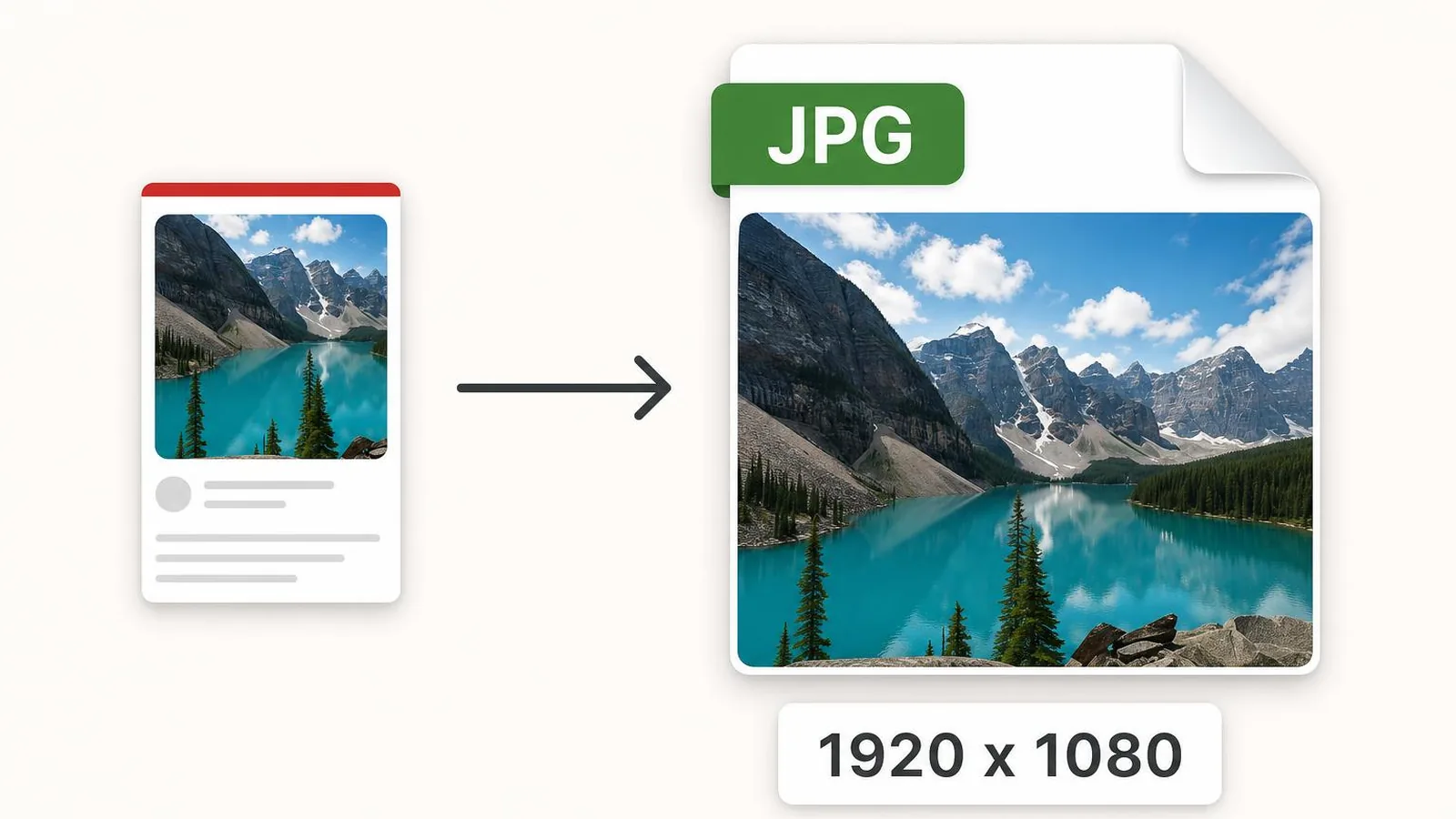
Save any Pinterest photo in its original resolution. Paste the pin link and grab the full-size JPG, PNG, or WebP.

We never store your downloads. Files come directly from Pinterest's CDN.

The PinSavePro Pinterest image downloader saves any public pin photo in its best available resolution. Paste a pinterest.com/pin/ link, preview the image, then tap Download Image. There is no login, no app install, no watermark, and no re-hosting — the file comes straight from Pinterest's CDN to your device.

What is the Pinterest image downloader?

This tool is dedicated to static Pinterest pins — the ones that are a single photo, illustration or graphic. It returns the highest-resolution image Pinterest currently serves for the pin, typically the source upload in JPG, PNG or WebP.

Use this page when you already know the pin is a still image. If the pin is animated, switch to the Pinterest GIF downloader. If it is a video, the home tool or the Reels downloader is the right place.

How to download a Pinterest image

  1. Open the image pin on Pinterest and copy its URL.
  2. Paste it into the box above.
  3. Tap Download and wait for the preview thumbnail.
  4. Tap Download Image.
  5. Save the file to your device.
iPhone / iPad
  • Tap Share on the pin, then Copy Link.
  • Paste it on pinsavepro.com and tap Download.
  • Long-press the preview and choose Save to Photos.
Android
  • Tap the three dots on the pin, then Copy Link.
  • Paste it into PinSavePro and tap Download.
  • Chrome saves the image to your Downloads folder.
Windows / Mac
  • Copy the URL from your browser address bar.
  • Paste it on pinsavepro.com.
  • Right-click the preview and choose Save Image As, or click the Download Image button.
Mobile browser
  • Open the pin in any mobile browser.
  • Copy the address bar URL and paste it into PinSavePro.

Image formats and entities supported

  • Pinterest images
    Standard photo and graphic pins.
  • Pin images at original resolution
    When the original upload is still served, we return it.
  • JPG / JPEG
    Most photo pins are JPEG.
  • PNG
    Used for graphics, logos and transparent-background pins.
  • WebP
    Pinterest sometimes serves WebP for bandwidth — fully downloadable.
  • Thumbnails
    Cover preview is shown before download so you can verify the pin.

Image-pin troubleshooting

The pin only shows a thumbnail
Sometimes Pinterest only exposes a smaller cover for older pins. We always return the largest version Pinterest serves.
The pin is private or deleted
Private pins, removed pins, and pins on secret boards cannot be resolved by any downloader.
I got a WebP file but I want JPG
Open the WebP in any image viewer and re-save as JPG, or use your phone's built-in screenshot if you only need a quick copy.
Pin link doesn't open the right pin
Make sure you copied the link of the open pin, not the board it belongs to.
Image looks blurry on download
If Pinterest only stores a smaller version, that is what we can return. No tool can recreate detail that was never uploaded.

Quick answers about Pinterest images

How do I save a Pinterest image at full size?

Copy the pin URL, paste it on pinsavepro.com, and use the Download Image button. PinSavePro returns the largest version Pinterest currently serves for that pin — which is normally the source upload, not the smaller thumbnail you see in the feed.

Why are some Pinterest images served as WebP?

WebP is a modern image format Pinterest uses to reduce file size while keeping quality. Browsers and modern phones open WebP natively. If you specifically need JPG or PNG, open the file in any image editor and export it in your preferred format.

Can I download Pinterest images on iPhone?

Yes. Open the pin in the Pinterest app, tap Share and Copy Link, then paste the link into pinsavepro.com in Safari. Tap Download, long-press the preview, and choose Save to Photos. The full-resolution image lands in your Photos library.

Safety and rights

  • No Pinterest account required.
  • Only public pin URLs are accepted.
  • Image bytes go straight from Pinterest's CDN to your device.
  • We do not log, archive or re-publish saved images.

Most Pinterest images were uploaded by creators who own them. Save images only for personal use, when you own them, or when you have the creator's permission. Do not redistribute or commercialize images you do not own.
Why use a dedicated image tool

Best available quality
We pick the largest version Pinterest serves.
Works for all photo pins
Photography, illustrations, infographics, recipe cards.
Mobile-first preview
You can confirm the pin before saving, even on a small screen.
No watermarks
We never overlay logos on the downloaded file.

Frequently asked questions

Does this work for every Pinterest pin?+

It works for any public image pin. Private boards and deleted pins are not accessible.

Will the image have a watermark?+

No. PinSavePro never adds watermarks.

Can I download in original resolution?+

Yes, when Pinterest still serves the original upload. Otherwise you get the largest size Pinterest exposes.

Does the tool support PNG transparency?+

Yes. If the pin is PNG with a transparent background, the file is preserved as PNG.

Can I download Pinterest images in bulk?+

Not on this free page. The tool resolves one pin URL at a time.

Is downloading Pinterest images legal?+

Saving for personal use is generally fine in most regions. Do not redistribute or commercialize images you do not own.

Related tools