GIF downloader

Pinterest GIF Downloader

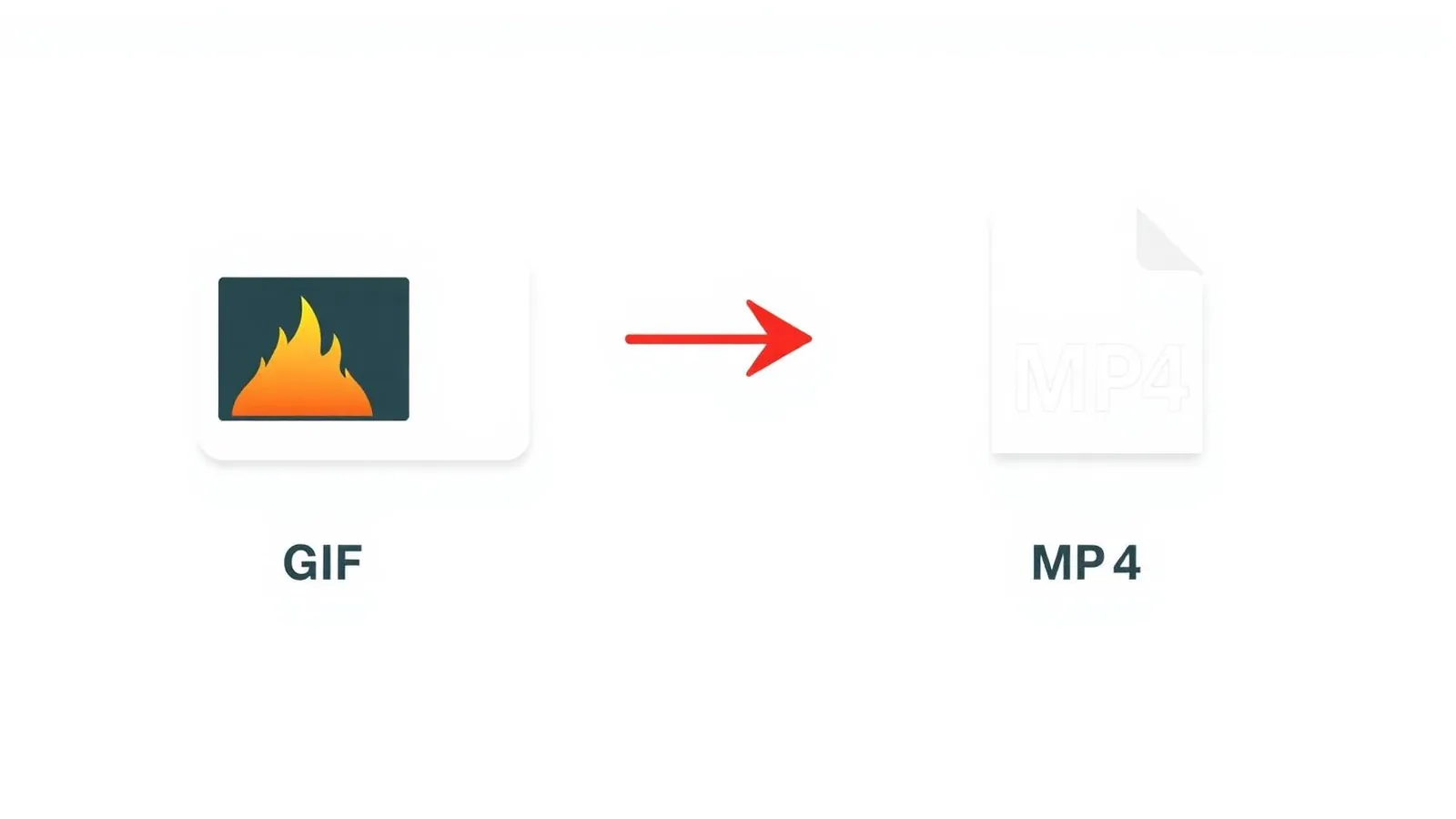
Save animated Pinterest pins in one click. Pinterest serves them as MP4 - smaller, smoother, and playable everywhere.

We never store your downloads. Files come directly from Pinterest's CDN.

The PinSavePro GIF downloader saves any public Pinterest GIF directly from its pin URL. Pinterest stores most GIFs as short MP4 clips internally, so the file you download is usually a smooth, low-size MP4 that loops in any video viewer. No login, no app, and no re-hosting.

What is the Pinterest GIF downloader?

This page is for animated pins — pins that loop or play short motion. Behind the scenes, Pinterest converts most GIFs into MP4 video for performance, so the file you download is often an MP4 even though the pin is marketed as a GIF.

Use this page when the pin clearly animates. If the pin is a still photo, use the Pinterest image downloader. If it is a longer cinematic video, use the home tool or the Reels downloader.

How to download a Pinterest GIF

  1. Open the animated pin on Pinterest and copy its link.
  2. Paste it into the box above.
  3. Tap Download.
  4. Choose the available format.
  5. Save the file to your device.
iPhone / iPad
  • Tap Share on the animated pin, then Copy Link.
  • Paste it on pinsavepro.com.
  • Tap Download. The MP4 opens in Safari's player.
  • Tap Share and choose Save Video to send it to Photos.
Android
  • Copy the pin link from the Pinterest app.
  • Paste it on pinsavepro.com in Chrome.
  • Tap Download — the MP4 saves to Downloads automatically.
Windows / Mac
  • Copy the pin URL from the address bar.
  • Paste it on pinsavepro.com.
  • Click Download. The MP4 saves to your Downloads folder.
Mobile browser
  • Any modern mobile browser works. No app required.

GIF formats and entities supported

  • Pinterest GIFs
    Animated pins of any length.
  • Animated pins
    Looping motion content uploaded as GIF or short video.
  • MP4 fallback
    Pinterest's internal format for most GIFs — smoother and smaller than .gif.
  • Preview thumbnails
    Cover frame is shown so you can confirm the pin before saving.

GIF-pin troubleshooting

Why does my GIF download as MP4?
Pinterest converts most GIFs into MP4 internally because MP4 is smaller and smoother than a true .gif file. The MP4 plays the same way in any video viewer.
I want a true .gif file
If the pin was uploaded as a .gif and Pinterest still serves it as one, you'll get a .gif. Otherwise, convert the MP4 using any free MP4-to-GIF tool.
The GIF preview doesn't animate
Some browsers don't auto-play previews on mobile data. The download file still animates correctly.
Pin is private or removed
Private boards and deleted pins cannot be resolved by any third-party tool.
GIF is choppy after download
If the source was choppy on Pinterest, the download will be too — we don't transcode or re-encode the file.

Quick answers about Pinterest GIFs

Can Pinterest GIFs download as MP4?

Yes — and that's usually what you want. Pinterest stores almost all animated pins as short MP4 clips because MP4 is smaller, smoother, and supported by every modern phone gallery. The MP4 loops identically to a true GIF and is what PinSavePro returns.

How do I download a Pinterest GIF on iPhone?

Copy the pin link in the Pinterest app, paste it into pinsavepro.com in Safari, tap Download, then in the video player tap Share and Save Video. The animated MP4 appears in your Photos app and plays as a looping clip.

Why don't I get a .gif file?

Pinterest replaced the .gif format with MP4 for most animated pins years ago because it streams better. If you specifically need .gif, take the MP4 we return and convert it with any free MP4-to-GIF converter.

Safety and rights

  • No Pinterest login required.
  • Only public pin URLs accepted.
  • Animated file streams directly from Pinterest's CDN.
  • We never re-host or archive your GIFs.

Save animated pins only for personal use, when you own them, or with the creator's permission. PinSavePro is not affiliated with Pinterest, Inc.

Why use a dedicated GIF tool

Smooth MP4 output
Smaller file size, better playback than .gif.
Auto-detect
Recognises animated pins regardless of original upload format.
Mobile-friendly
Saves directly into your phone's photo gallery.
No watermark
The download file is the original CDN file.

Frequently asked questions

Does PinSavePro support all animated pins?+

Yes, as long as the pin is public and currently served by Pinterest.

Can I get an actual .gif file?+

Only if Pinterest still serves the original .gif. Otherwise you get the MP4 it uses internally.

Is the MP4 the same as the GIF visually?+

Yes — same frames, same loop. MP4 is just a more efficient container.

Are downloads safe?+

Yes. Files come directly from Pinterest's CDN — we never modify or re-host them.

Can I download a GIF on Android?+

Yes. Chrome will save the MP4 directly to your Downloads folder, then move it to Gallery if you like.

Will the GIF be watermarked?+

No. We never add watermarks.

Related tools