HD & 4K downloader

Pinterest HD & 4K Video Downloader

Save Pinterest videos in the highest quality the creator uploaded - 720p, 1080p Full HD, and 4K when available.

We never store your downloads. Files come directly from Pinterest's CDN.

The PinSavePro HD & 4K downloader returns the highest-quality MP4 Pinterest currently serves for a video pin. Paste the pin URL and you'll see every available quality — typically 540p, 720p and 1080p where offered, and 4K only when the creator uploaded a 4K source. No upscaling, no fake quality buttons, no login.

What is the HD & 4K downloader?

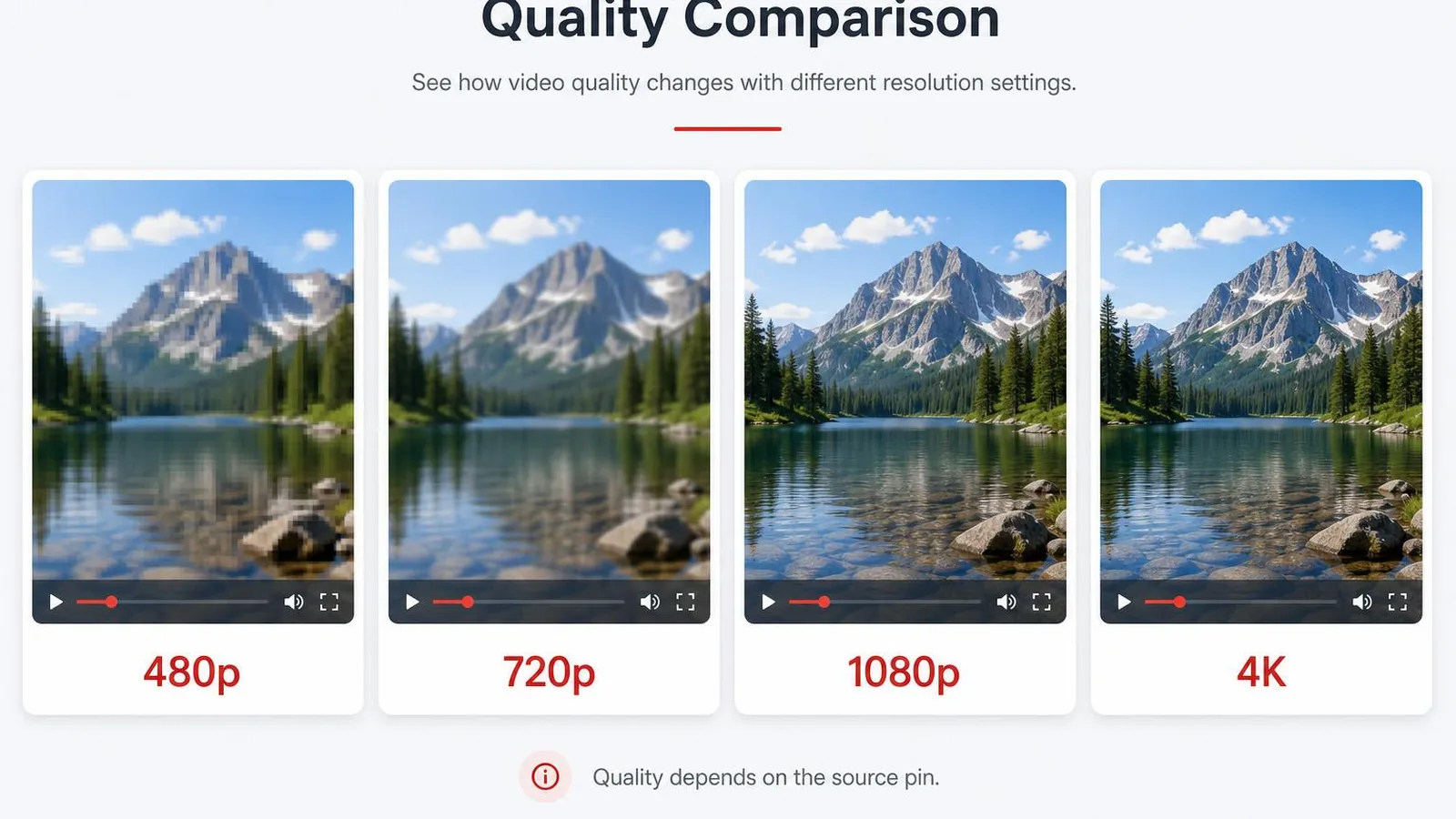
This page is focused on highest-quality video downloads. The quality of any Pinterest video download is capped by the source upload — if the creator uploaded at 720p, no tool can produce a real 1080p version.

PinSavePro lists every quality Pinterest currently serves for the pin and lets you pick the top one. Pages elsewhere on the site (Reels, home tool) can do the same, but this page is laid out specifically for the quality decision.

How to download a Pinterest video in the highest quality

  1. Open the video pin and copy its URL.
  2. Paste it above and tap Download.
  3. Pick the highest quality button shown.
  4. Save the MP4 to your device.
iPhone / iPad
  • Tap Share, Copy Link on the video pin.
  • Paste it on pinsavepro.com in Safari.
  • Tap the top quality button — the MP4 opens in the player.
  • Share, Save Video to send it to Photos.
Android
  • Use Copy Link in the Pinterest share sheet.
  • Paste it on pinsavepro.com in Chrome.
  • Tap the top quality — Chrome saves the MP4 to Downloads.
Windows / Mac
  • Copy the pin URL from your browser.
  • Paste it on pinsavepro.com.
  • Click the top quality button to save the MP4.
Mobile browser
  • Works in any modern mobile browser without an app.

Quality entities supported

  • HD
    720p and above where Pinterest serves it.
  • 720p
    Common Pinterest quality.
  • 1080p
    Available when the source was uploaded at 1080p.
  • 4K
    Returned only when the creator uploaded a 4K source.
  • Original upload quality
    We never re-encode, so what you get is what Pinterest serves.
  • Why not every pin has HD/4K
    Quality is capped by the original upload, not by our tool.

HD / 4K troubleshooting

Only 540p is available
The creator uploaded at standard quality. There's no higher resolution to extract.
I expected 4K
Pinterest 4K pins are rare. Most pins top out at 1080p — what you see is the real maximum.
Two quality buttons download similar files
Pinterest sometimes serves multiple slightly different variants. Pick the higher one for the largest file.
Pin opens in a new tab instead of saving
Mobile browsers preview MP4 in a player tab — use the player's Share menu to save the file.

Quick answers about HD and 4K

Why is HD not available for every Pinterest video?

Because quality is capped by the original upload. Pinterest does not upscale video on its own servers, and PinSavePro does not invent qualities that don't exist. If a creator uploaded at 540p, the highest real download anyone can make is 540p.

Does PinSavePro give true 4K downloads?

Only when the creator uploaded the pin at 4K and Pinterest still serves the 4K variant. That is rare on Pinterest. We never show a fake 4K button — if you see one, the underlying file really is at that resolution.

How do I pick the best quality?

Use the topmost button — it is always the largest file we found. On mobile, the larger file may take a couple of seconds longer to start, but the visual difference on a phone screen with 1080p versus 720p is usually small.

Safety and rights

  • No Pinterest credentials needed.
  • Only public pin URLs accepted.
  • MP4 streams directly from Pinterest's CDN.
  • We never re-host or transcode your downloads.

Save high-quality videos for personal use, content you own, or with the creator's permission. Higher resolution does not change the rights situation.

Why use the HD page

Quality-first layout
Buttons are ordered highest-first so the best option is obvious.
Honest options
If 4K isn't there, we won't show a fake 4K button.
No re-encoding
Files are the original CDN MP4, byte for byte.
No login
Pinterest credentials are never required.

Frequently asked questions

Does this page produce 4K from a 720p source?+

No. Upscaling would be fake quality. We never invent resolutions.

How can I tell the highest quality?+

Buttons are ordered top-to-bottom by resolution and file size.

Is HD really worth it on a phone?+

For short Reels-style clips, the visible difference between 720p and 1080p on a phone is small. On a laptop, 1080p is noticeably crisper.

Does this work for Pinterest Reels?+

Yes — Reels are also video pins. Both this page and the dedicated Reels page work.

Will I get audio?+

Yes, audio is preserved exactly as Pinterest serves it.

Is the HD download free?+

Yes. PinSavePro is fully free, no login.

Related tools