Reels downloader

Pinterest Reels Download

Save Pinterest Reels and short vertical pins as HD MP4. No watermark, no app, no login.

We never store your downloads. Files come directly from Pinterest's CDN.

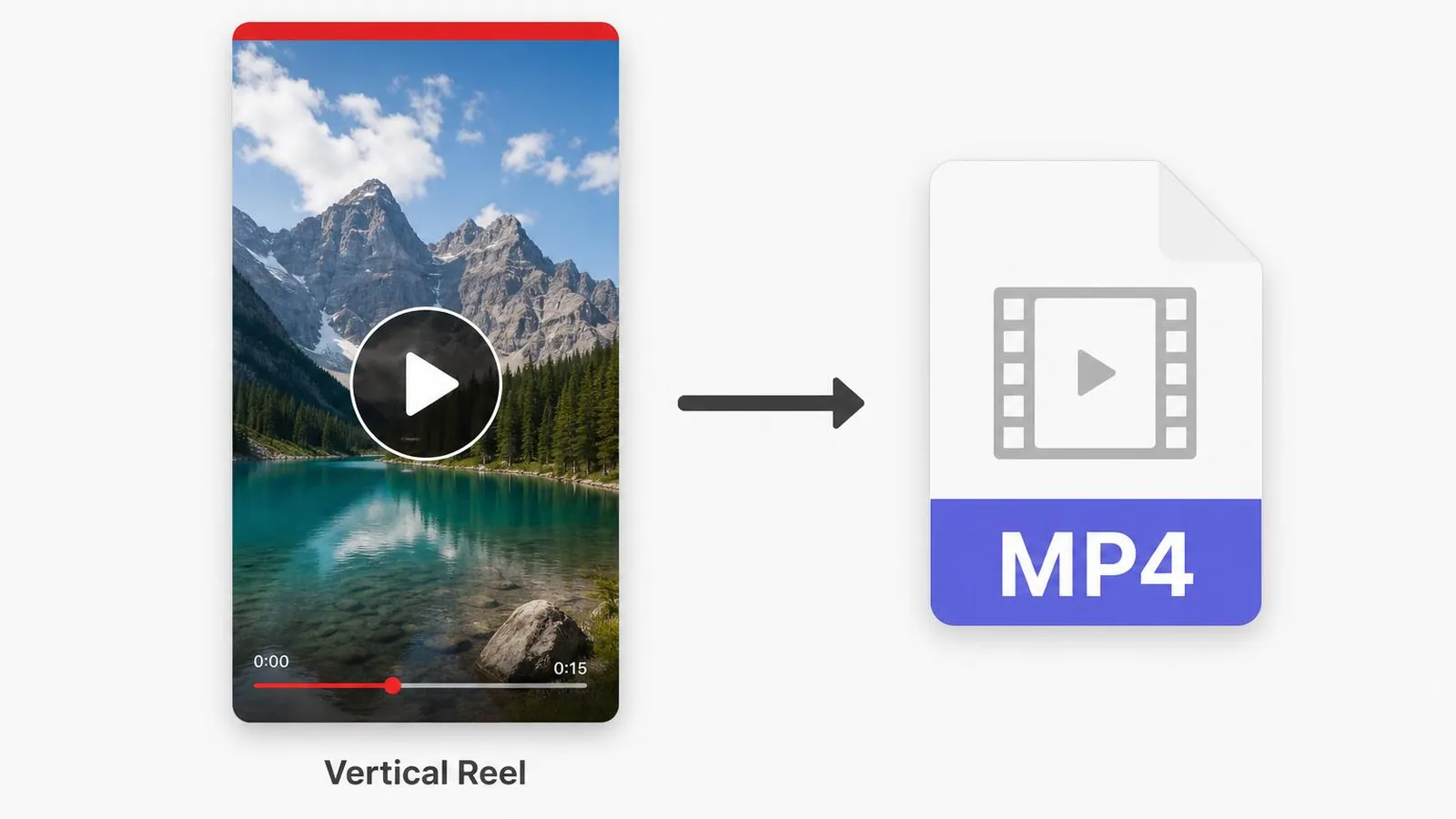
The PinSavePro Reels downloader saves short-form Pinterest Reels-style video pins as MP4. Paste the pin link, choose the available quality (720p, 1080p when offered), and the file is delivered straight from Pinterest's CDN to your device. No Pinterest login, no app, no watermark.

What is the Pinterest Reels downloader?

Pinterest Reels are short, vertical, looping video pins designed for mobile viewing. This page is built specifically for those pins and returns the highest quality MP4 the original creator uploaded.

Use this page when the pin is a single short vertical video. If the pin has multiple slides, use the Pinterest Idea Pin downloader instead.

How to download a Pinterest Reel

  1. Open the Reel pin and copy its link.
  2. Paste it above.
  3. Tap Download.
  4. Choose the highest quality you want.
  5. Save the MP4 to your device.
iPhone / iPad
  • Tap Share, then Copy Link, on the Reel.
  • Paste it on pinsavepro.com in Safari.
  • Tap the highest quality button — Safari opens the MP4.
  • Share, Save Video to send it to Photos.
Android
  • Use Copy Link from the Pinterest share sheet.
  • Paste it on pinsavepro.com in Chrome.
  • Tap the quality button — Chrome downloads the MP4.
Windows / Mac
  • Open the Reel on pinterest.com.
  • Copy the URL and paste it on pinsavepro.com.
  • Click the quality button to save the MP4.
Mobile browser
  • Any modern mobile browser works.

Reels formats and entities supported

  • Pinterest Reels
    Short-form video pins.
  • Short-form video pins
    Vertical, sub-60-second loops are the most common case.
  • MP4 quality options
    We list every quality Pinterest actually serves — typically 540p, 720p, sometimes 1080p.
  • Mobile-first downloads
    Optimised for save-to-gallery on iPhone and Android.

Reels troubleshooting

Only 540p is offered
The creator uploaded at standard quality. No downloader can produce a higher resolution than the source.
Download opens in a new tab
Mobile browsers sometimes preview the MP4 in a player tab. Use the in-player Share menu to save to your gallery.
Pin link doesn't resolve
Make sure you copied the pin link, not the creator's profile link.
Reel is region-restricted
Some pins are limited by region. We can only access what Pinterest exposes publicly to a signed-out visitor.

Quick answers about Pinterest Reels

How do I save a Pinterest Reel without an app?

Open the Reel in the Pinterest app, tap Share and Copy Link, then paste the link into pinsavepro.com in your browser. Tap Download, choose the highest available quality, and save the MP4 to your phone. No third-party app or browser extension is required at any step.

Can I get Pinterest Reels in 1080p?

Only if the original creator uploaded the Reel at 1080p. Pinterest does not upscale video. PinSavePro shows every quality Pinterest currently serves for the pin, so the buttons that appear are the real maximum the source provides.

Are Pinterest Reels the same as Idea Pins?

No. Pinterest Reels are single, short, vertical video pins. Idea Pins are multi-slide pins that can mix video and image pages. Use the Reels downloader for single-clip video pins and the Idea Pin downloader for multi-slide ones.

Safety and rights

  • No Pinterest credentials needed.
  • Only public pins accepted.
  • MP4 streams directly from Pinterest's CDN.
  • No copy of the video is kept on PinSavePro.

Save Reels for personal use, content you own, or with the creator's permission. Do not re-upload other creators' Reels without consent.

Why use the Reels page

Vertical-first preview
Layout is optimized for vertical short-form video.
All available qualities
Pick exactly the resolution you need.
Save-to-gallery friendly
Designed to land cleanly in iPhone Photos and Android Gallery.
No login
Pinterest accounts are never asked for.

Frequently asked questions

Is the Reels downloader free?+

Yes, fully free with no login.

What's the highest quality I'll get?+

Whatever the creator uploaded — typically 720p, sometimes 1080p.

Will the MP4 have audio?+

Yes, audio is preserved exactly as on Pinterest.

Can I download Reels on iPhone?+

Yes. Paste the link in Safari, tap Download, and use Save Video.

Why does the download open in a new tab?+

Mobile browsers preview MP4 before saving. Use the player's Share menu to save to your gallery.

Is downloading Reels legal?+

Personal use is generally fine. Do not re-upload other creators' content without permission.

Related tools